Request a Virtual Nurse
Television Status
Television is Off
Go to the Virtual Nurse home screen, from the remote control:
-
Press OK,
-
Press the Home button.
Entertainment Media is On
Press the Home button on the remote control to open the Virtual Nurse home screen.
Request a Virtual Nurse
-
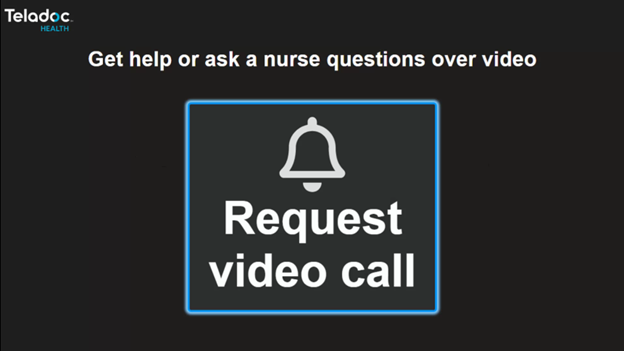
Press the OK button on the remote control.
-
This will open the Request video call screen.
-
-
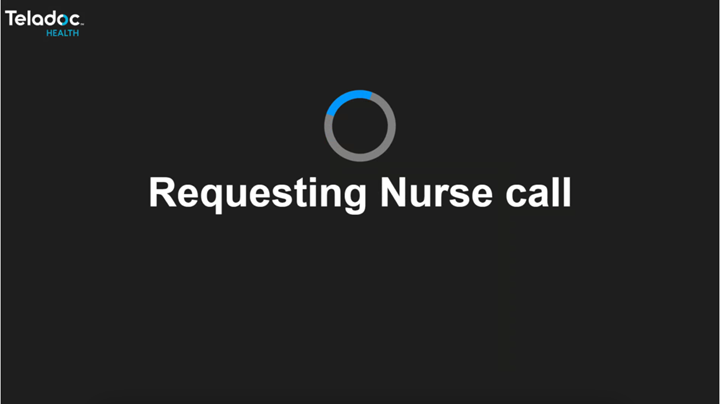
Press the OK button on the remote control.
-
This opens the Requesting Nurse call screen
-
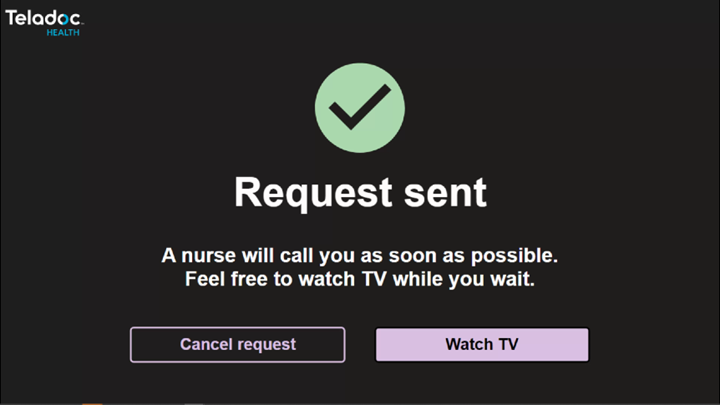
Request Sent
From the Request Sent screen, the options to Cancel request and Watch TV are available by using the remote control.
Watch TV
Select Watch TV using the navigation buttons on the remote control, then press OK.
-
The Switching to TV screen will display.
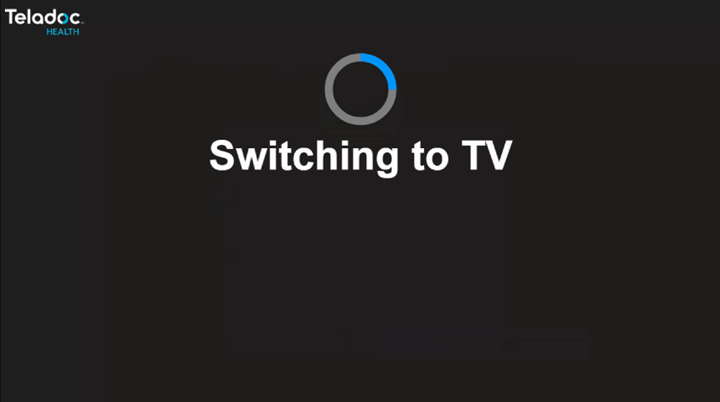
Cancel Virtual Nurse Request
From the Request Sent screen,
-
use the navigation keys on the Remote Control to select Cancel request.
-
Press OK on the Remote Control.
-
Use the Remote Control to confirm request cancellation.
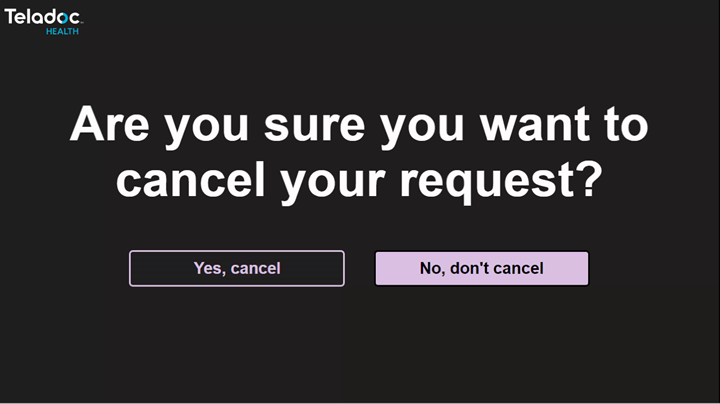
Yes cancel - Returns to Request video call screen.
No, don't cancel - Returns to the Request sent screen.
Virtual Nurse Call
When the Virtual Nurse call is getting ready to begin, the following screen will display.
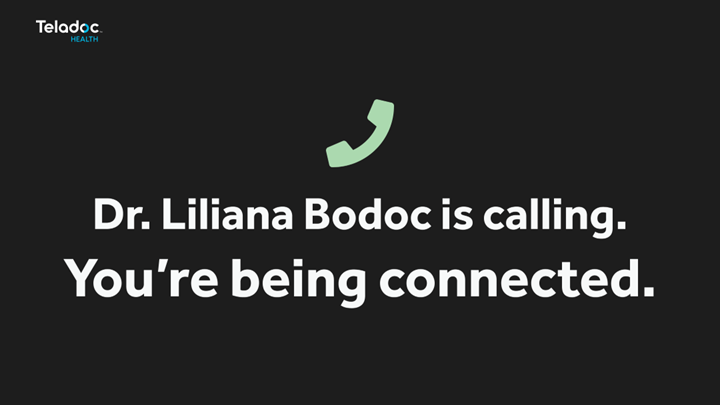
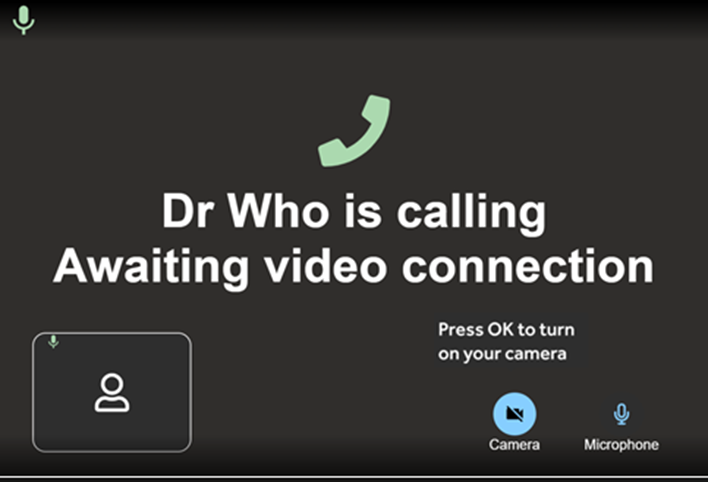
Press OK on the remote control to turn on the patient side camera or tell the virtual nurse the camera can now be turned on.
Active Virtual Nurse Video Call
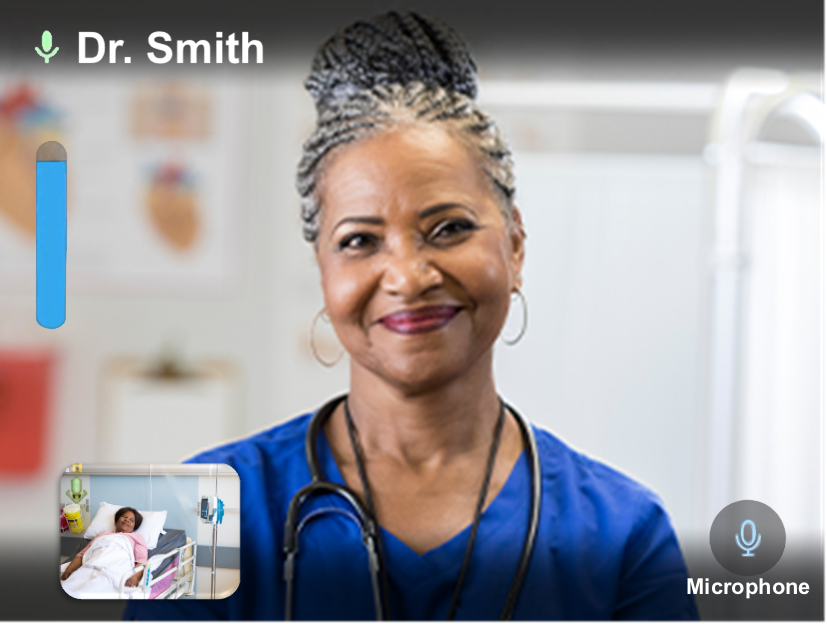
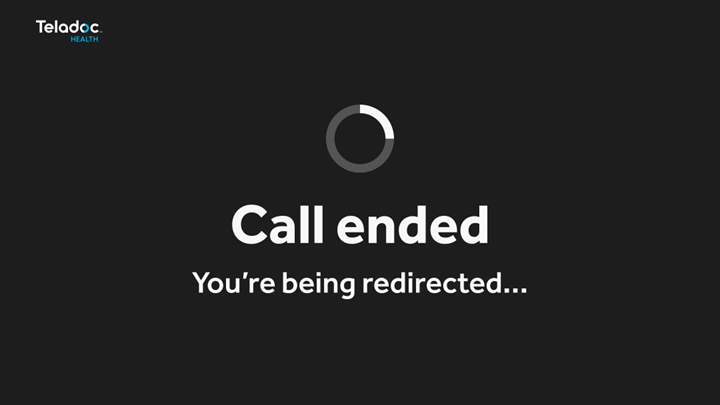
The following screen displays when the call is ended.